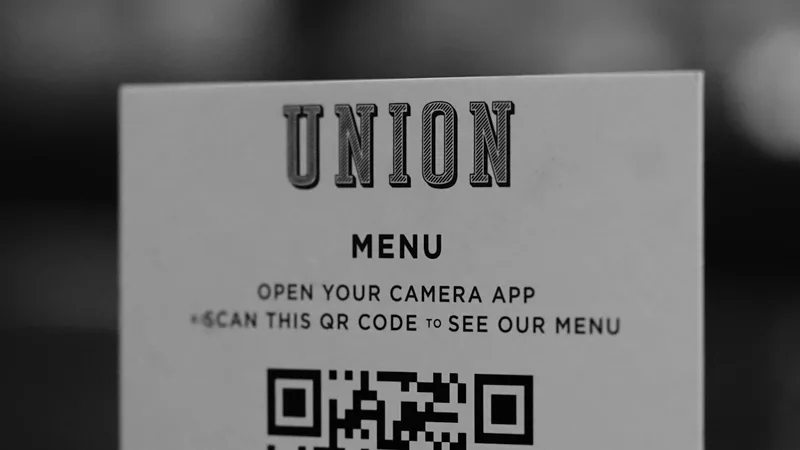
QR Digital Menus for Restaurants and Cafes: Benefits, Types and Implementation
QR digital menus come in two types: a view-only menu guests open on their phone instead of a paper menu, and an interactive menu that lets guests order and sometimes pay from the table, sending orders straight to the kitchen. The first is fast and cheap and makes price updates easy; the second reduces waiter workload and raises average bill size but needs integration with POS and kitchen.
Benefits for the Restaurant
Key gains from moving to a digital menu:
Instant price updates
With ingredient prices changing often, update prices from the dashboard instead of reprinting menus.
Photos that sell
Good dish photos and highlighting high-margin items influence what guests order.
Hiding sold-out items
Sold-out items disappear instead of waiters apologizing after the order.
Multiple languages
Arabic, English and other languages for tourists without printing separate menus.
Data on guest preferences
Interactive menus show which items are viewed and ordered most.
View-Only or Order-at-Table?
View-only suits cafes and small restaurants wanting a quick start. Order-at-table suits busy restaurants, food courts and cafes with many tables, cutting waiter wait time and order-entry errors.
With table ordering, each QR code is tied to a table number, so orders appear in the POS and kitchen screen with the table automatically.
Features Your Digital Menu Should Have
Loads fast without installing an app, even on weak internet.
Mobile-first Arabic design in the restaurant's branding.
Item modifiers (size, sauce, no ingredient) with prices.
Calories or allergens if relevant.
An easy dashboard to edit items, prices and photos.
For interactive menus: POS and kitchen integration, call-waiter and request-bill or online payment.
Common Digital Menu Mistakes
Uploading a large PDF that is hard to read on mobile.
Small, faded or badly placed QR codes.
No backup paper menu for older guests.
Outdated prices because editing is hard.
Slow pages with heavy uncompressed images.
How to Implement It
Start with a view-only menu linked to a dashboard, prepare good photos of core items, then move to table ordering when your POS and kitchen are ready to integrate. If you have an ordering app or website, share one menu across them so you edit in one place.
At NIT we build digital menus and ordering systems integrated with POS and kitchen as part of our restaurant app service. Request a quote.
Frequently Asked Questions
Do guests need to install an app?
No. A good menu opens directly in the phone browser after scanning.
Does it replace waiters?
No, but it frees them from taking orders so they can focus on service.
Can guests pay from the table?
Yes, when the menu is connected to a payment gateway, guests pay by card or wallet without waiting for the bill.
Need a Moodle platform or eCommerce app?
We'll send you a detailed proposal within 24 hours